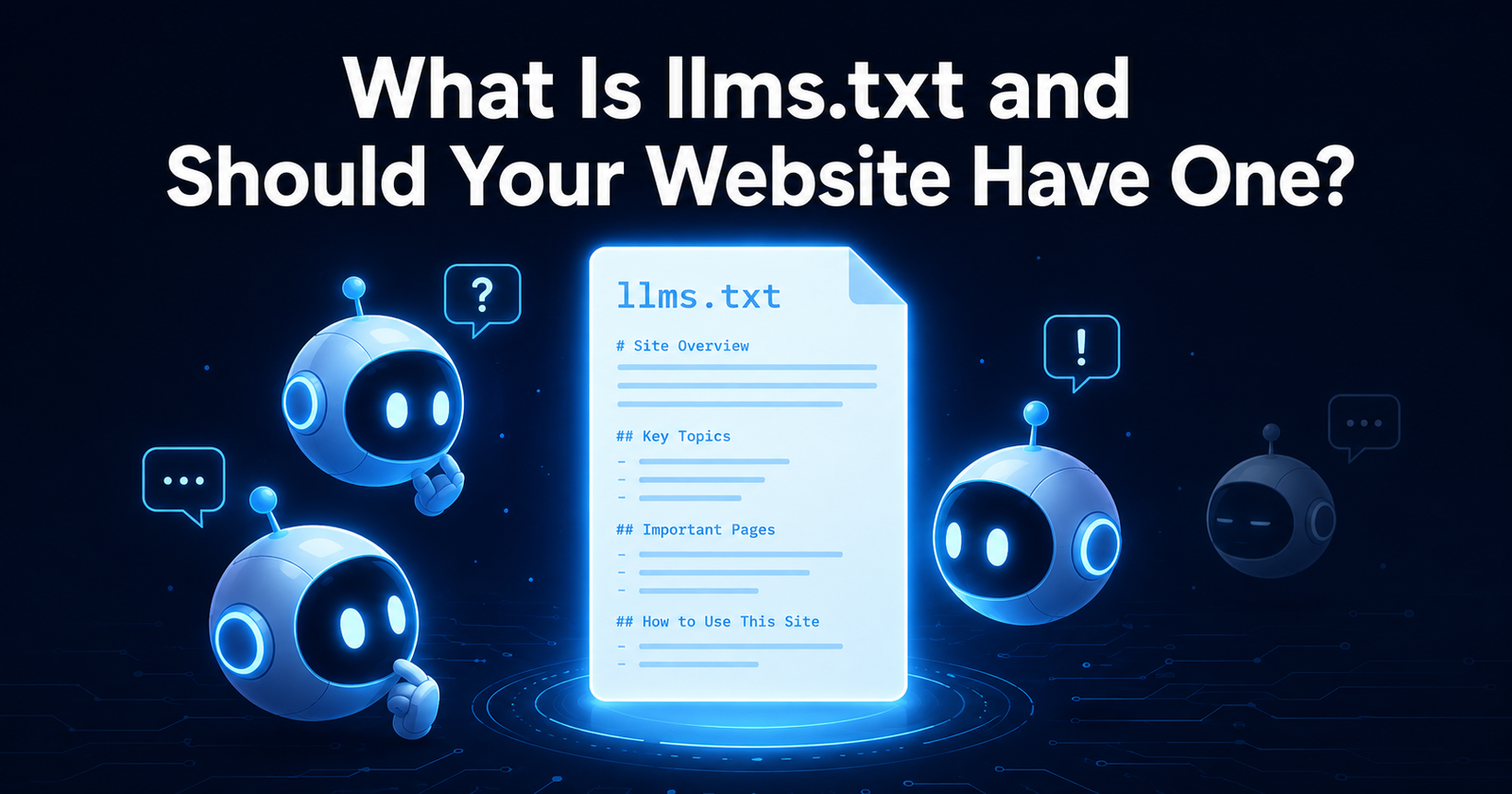
Only 10% of websites currently have an llms.txt file. Major AI search bots like GPTBot and PerplexityBot barely fetch it today — a study of 500 million AI bot visits found just 408 requests for the file. And Google has explicitly said it does not use or endorse it. So why are Anthropic, Stripe, Cloudflare, Vercel, and Zapier all publishing one? The answer reveals something important about where AI is actually heading — and why a 30-minute task might be worth doing despite the current numbers.
In September 2024, Jeremy Howard — the AI researcher behind FastAI and Answer.AI — published a proposal at llmstxt.org for a new kind of file that websites could use to communicate with AI systems. He called it llms.txt. Within months, it had been adopted by some of the most technically sophisticated companies on the internet. Within a year, heated debate was underway about whether it was the future of AI-web communication or a well-intentioned standard that would go the way of the meta keywords tag.
This guide cuts through the hype in both directions. llms.txt is neither the silver bullet some early adopters claimed nor the pointless exercise its critics suggest. Understanding what it actually does — and what it currently does not do — lets you make a genuinely informed decision about whether your website needs one in 2026.
What Is llms.txt?
llms.txt is a plain Markdown text file placed at the root directory of your website — accessible at yourdomain.com/llms.txt — that gives AI language models a curated, structured guide to your most important content. Think of it as a table of contents written specifically for AI systems, as opposed to search engines or human visitors.
The problem it solves is a structural one. AI language models do not read your website the way Google does. Search engines systematically crawl every linked page and build a comprehensive index over time. AI systems access content on demand, work within limited context windows, struggle with JavaScript-heavy pages, and frequently miss important content that is buried in navigation menus, loaded dynamically, or simply not prominently linked. A site can rank first on Google and be nearly invisible to ChatGPT or Perplexity — not because of any ranking decision, but because the AI simply could not find or read the most relevant pages during its real-time retrieval session.
llms.txt addresses this by providing a single, clean, human-readable file that says: "Here is what this site is, here is what it does, and here are the specific pages most worth reading." AI systems that fetch this file before engaging with a site's content can immediately orient themselves — understanding the site's purpose, its topical coverage, and which pages contain the most useful information — without having to infer all of this from crawling.
llms.txt vs robots.txt vs sitemap.xml
The three files serve fundamentally different purposes and work at different layers of the web-to-machine communication stack:
| File | Purpose | Audience | Standard? |
|---|---|---|---|
| robots.txt | Tells crawlers what they cannot access — blocking rules | All crawlers (search engines, AI bots) | Official RFC standard since 1994 |
| sitemap.xml | Exhaustive list of all pages — helps search engines discover everything | Search engine indexers | Official standard, supported by all major search engines |
| llms.txt | Curated guide to most important content — tells AI what IS worth reading | AI language models and agents | Community proposal — not a formal standard, no enforcement |
The key distinction between llms.txt and sitemap.xml is the philosophy of curation. A sitemap tries to be exhaustive — it lists every URL on your site so search engines can find everything. llms.txt is the opposite: it is selective by design. The spec explicitly encourages including only your most valuable pages. If an AI model could read only three pages from your site and needed to come away with an accurate and useful understanding of what you do — those three pages are what belong in your llms.txt.
What an llms.txt File Actually Looks Like
The spec is deliberately simple. It uses standard Markdown formatting — no special syntax, no proprietary format — and follows a consistent structure:
The H1 heading must be the site name. The blockquote immediately below it is a one-sentence brand pitch — the most important sentence in the file. Sections are H2 headings. Each item is a Markdown link with a short description of what the linked page contains. That is the entire specification.
The llms-full.txt variant
The spec also includes an optional llms-full.txt variant, accessible at yourdomain.com/llms-full.txt. Where llms.txt is a curated index of links, llms-full.txt inlines the full Markdown content of your priority pages directly into the file. This is particularly useful for documentation-heavy or technical sites — AI agents can answer questions about your product without making additional page fetches. For most content and tool sites, the standard llms.txt is sufficient.
The Honest Reality — What llms.txt Actually Does Today
Here is where most guides lose their credibility by overstating the case. The data on llms.txt effectiveness in 2026 is not encouraging — if your goal is improved AI search citations.
The crawler data is stark: across over 500 million AI bot visits analysed in a 90-day window, researchers found only 408 requests targeting /llms.txt specifically — from bots that actually drive AI search citations. GPTBot, ClaudeBot, PerplexityBot, and OAI-SearchBot are not meaningfully fetching this file when generating answers for users. John Mueller of Google compared llms.txt to the meta keywords tag — a standard adopted in good faith that search engines ultimately ignored because they found better signals elsewhere.
"Anyone selling you llms.txt as a GEO ranking factor is selling you something the data doesn't support. Today, in 2026, it does not measurably improve AI search citations."
— Limy.ai, llms.txt in 2026: The Full GuideBut here is the nuance that matters — and that the pure sceptics also miss.
Who Is Actually Supporting and Using llms.txt
The picture that emerges is more nuanced than either "implement this now" or "ignore it completely." AI search bots barely read it. But AI agents — the layer where AI systems autonomously use tools, browse the web, and complete tasks on behalf of users — are increasingly using llms.txt as a navigation aid. Developer tools like Cursor already implement it. As the agentic web grows (and all projections suggest it will grow fast), llms.txt becomes progressively more useful even if AI search citation rates remain unaffected.
Should Your Website Have an llms.txt File?
Yes — but for the right reasons. Not because it will improve your Google AI Overview citations today (it will not). Not because it has been proven to increase ChatGPT mentions (the evidence does not support that claim). But because the cost is genuinely low (30 minutes, no technical expertise required, no server configuration needed) and the three genuine benefits are real:
- Anthropic and Perplexity read it — these two platforms officially support it, and both are growing rapidly. A site with llms.txt gives Claude and Perplexity a structured guide to its most valuable content, which they use during indexing prioritisation.
- AI agents use it — the fastest-growing layer of AI interaction involves autonomous agents completing tasks on behalf of users. As this layer grows, llms.txt becomes the navigation standard these agents rely on — and early implementers will already be readable.
- It forces strategic content thinking — creating a good llms.txt requires you to answer: if someone could only read five pages from this site, which ones would give them the most accurate picture of what it offers? That exercise has SEO value independent of AI, because it forces prioritisation of your most important content.
If your site has fewer than 10 pages of substantive content, an llms.txt adds minimal value — your entire site is already easily readable by any AI system. Come back to it when you have a meaningful body of content that genuinely needs curation for AI navigation.
How to Create an llms.txt File for Your Website
No plugins, no tools, no code required. Creating an llms.txt file is a plain-text writing task that takes less than half an hour for most sites.
Open a plain text editor
Notepad, TextEdit, VS Code — anything that saves as plain text. Do NOT use Word or Google Docs, which add invisible formatting characters.
Write your Markdown content
Follow the spec format: H1 site name, blockquote brand pitch, then H2 sections with Markdown-linked pages and brief descriptions. Select your 10–20 most important pages.
Save as llms.txt
Save the file with UTF-8 encoding as exactly llms.txt — no subdirectory, no variations. Upload to your server's root public directory.
Verify it works
Visit yourdomain.com/llms.txt in a browser. You should see plain Markdown text with an HTTP 200 response. If you see a 404 or redirect, the file is in the wrong location.
A Sample llms.txt for an SEO Tools Website
Here is what a well-structured llms.txt looks like for an SEO tools platform — select your most important tools and most useful blog posts, not an exhaustive list of every page:
A few things to notice in this example: the blockquote is concise and descriptive — it tells an AI system exactly what the site is in one sentence. The sections are meaningful categories, not exhaustive lists. Each link description is a single sentence explaining what the page contains, not a marketing claim. The file ends without padding — there is no need to reach a certain length.
What to Watch For
The most important reason to implement llms.txt now — even knowing its current limitations — is the speed at which AI agent adoption is growing. The agentic web is the layer where AI systems autonomously browse, retrieve context, choose tools, and complete tasks. This layer is growing faster than AI search citation adoption and is already using llms.txt as a navigation standard.
If Perplexity and Anthropic's adoption expands — which their explicit public commitments suggest — and if OpenAI's private observations of the file translate into public support, the file that currently produces modest uplift will produce significantly more. Sites that already have a well-structured llms.txt when this tipping point arrives will benefit immediately. Sites without one will face the same catch-up curve that late adopters to structured data and robots.txt optimisation faced.
That said, watch one specific signal: if Google announces llms.txt support, implement immediately and update your file within days. Google's endorsement would trigger mass adoption and make the file as important for AI visibility as sitemap.xml is for search indexing. Until that announcement arrives, treat llms.txt as a low-cost hedge — worth doing, not worth over-investing in.
llms.txt Implementation Checklist
- Open a plain text editor — NOT Word or Google Docs
- Write an H1 with your site name as the very first line
- Write a blockquote (starting with >) as a single-sentence description of your site
- Select your 10–20 most important pages — not every page, only your best
- Organise pages into 3–5 meaningful H2 sections
- Write a one-sentence description for each linked page
- Save as
llms.txtwith UTF-8 encoding - Upload to your website root directory (the same level as
robots.txt) - Visit
yourdomain.com/llms.txtin a browser and confirm it shows plain Markdown text with HTTP 200 - Confirm your robots.txt does not accidentally block AI search bots that read llms.txt
- Confirm your key pages are indexed using the Google Index Checker — pages not indexed cannot be cited regardless of llms.txt
- Plan to update llms.txt whenever you publish significant new content or restructure key sections
Make Sure the Basics Are Right First
llms.txt helps AI find your content — but only if your site is already technically accessible and indexed. Check these first.